

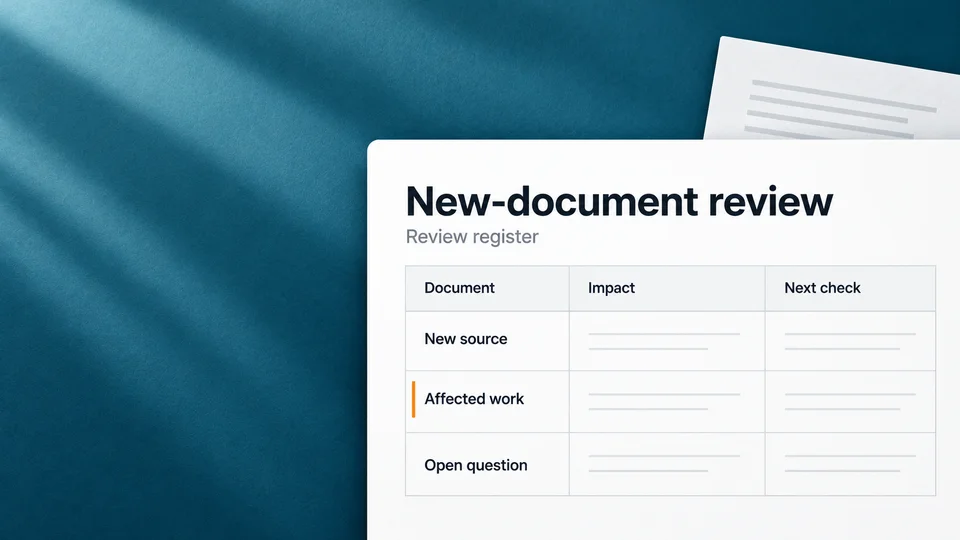
See what changed, what it may affect, and what to check next. Grella never rewrites legal work on its own.
Review before relying
Check a Review flag.
Inspect the existing work-product badge and the memo’s source references before deciding whether anything needs attention.
Inside a review item
Know what changed and what to check.
Each review item shows what changed, what it affects, and what you can do next.
- Reason
- What changed and why it was flagged.
- Affected target
- The fact, chronology, work product, or matter view to check.
- Evidence context
- The source files, facts, or passages linked to the change.
- Lawyer action
- Open the target, mark it reviewed, or accept or reject a suggestion.
Work that needs attention
A review flag asks for a check. It does not rewrite the work.
A Review status tells the team to take another look. Grella does not make the final call for the lawyer.
Nothing changes silently
Grella flags change. Lawyers decide what changes.
A review item explains what moved and where to look. Grella does not rewrite legal work on its own.
Read about security- Clear reason
- See why the item was raised and what it may affect.
- Source context
- Open the linked files, facts, and passages before you act.
- Lawyer action
- Mark reviewed, or accept or reject a suggestion.
Review the next production
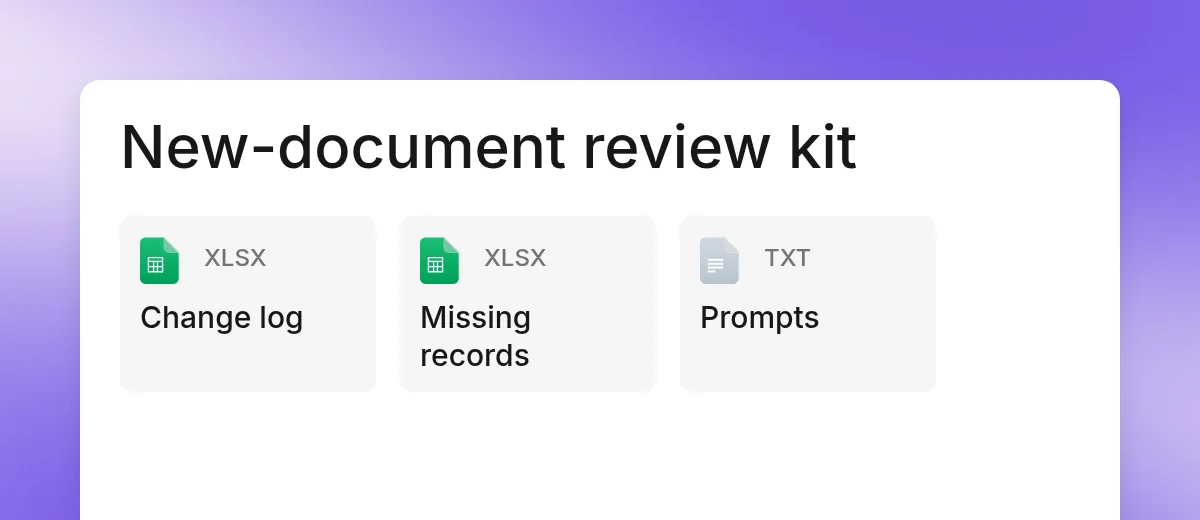
Use the method with your firm’s approved tools, or start with the editable files. The examples are fictional.
Guided demo
See change review in action.
Walk through a demo matter. See what changed, what it may affect, and what the lawyer can do next.